


US$229.00 / piece
US$159.00 / piece

US$44.99 / piece
US$599.00 / piece
US$379.05 / piece

US$43.90 / piece
US$79.00 / piece
US$89.00 / piece
US$109.00 / piece
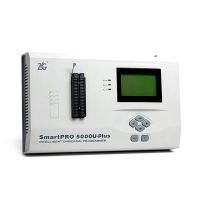
US$599.00 / piece
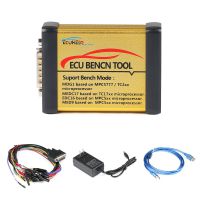
US$199.00 / piece
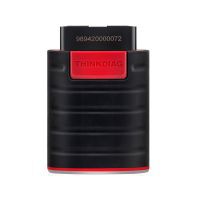
US$79.90 / piece
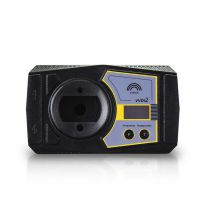
US$1,198.50 / piece
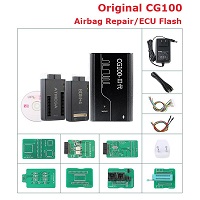
US$459.00 / piece
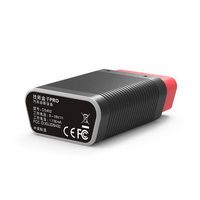
US$119.00 / piece
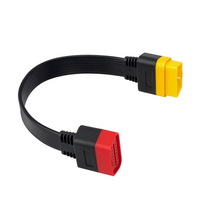
US$9.99 / piece
Description
35128 Programmer Instructions
- Install the CH341SER.EXE driver in the driver folder under the software directory.
- Connect M35128 Programmer to computer.
- After opening 35128 PROGRAMMER V1.00.exe, the software will automatically scan and connect the device.
- If the automatic connection fails, click the "Device Connect" button to connect the device manually.
- Reading and writing operations can be started after the successful connection.
Operation Process
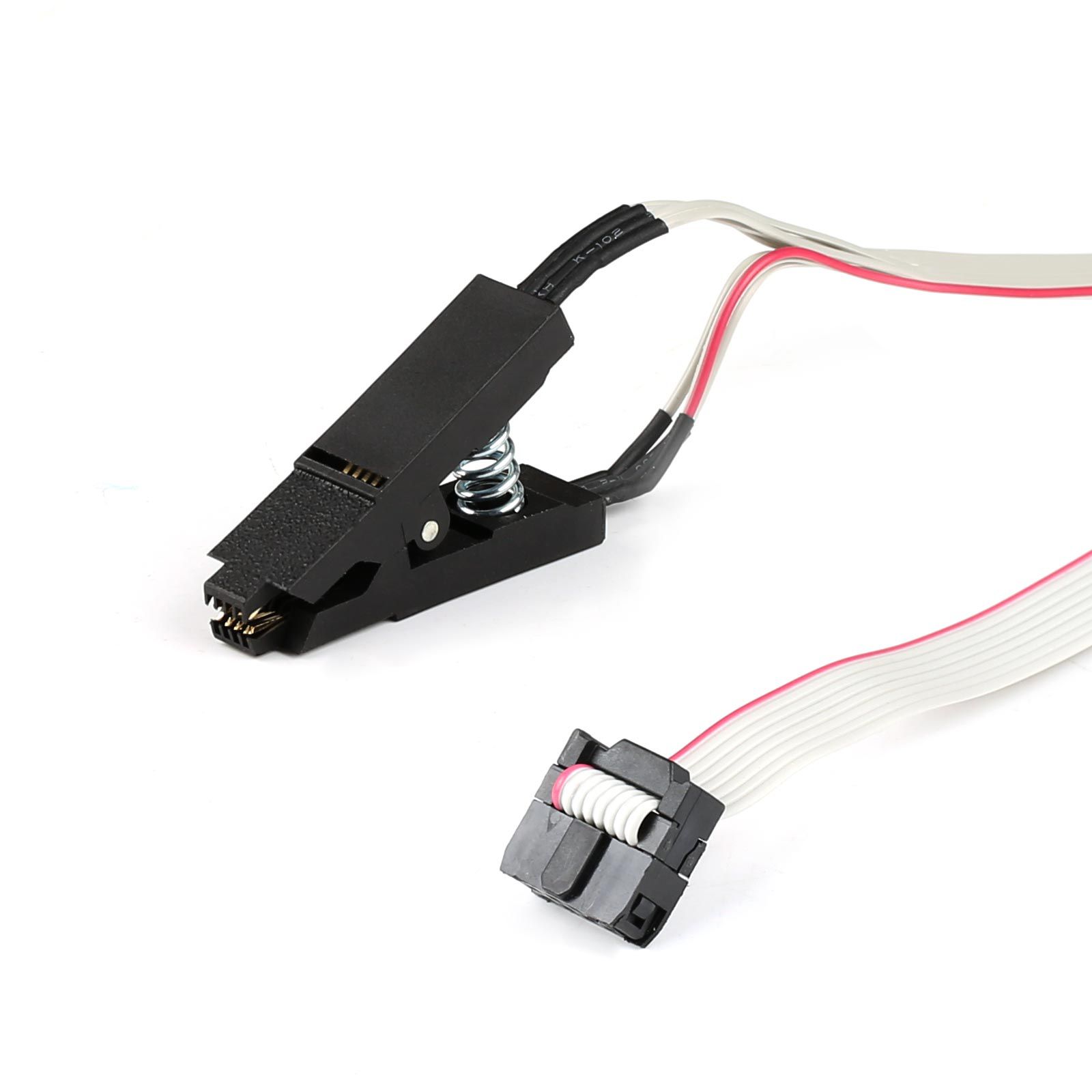
- Remove the original chip and connect it with the clip (the red wire of the clip need to be connected to pin 1).
- Read and save the original data.
- Modify data.
- Connect the M35128 simulator with the clip and write the modified data.
- Solder the M35128 simulator.
Package Includes
1pc x 35128 Programmer Without Chip
Previous: Alientech Official Online Basic Training Course About ECU Chip-tuning
Recommend Items
- US$79.90
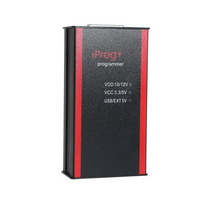 US$84.99
 US$94.05
 US$39.99
 US$678.90
 US$12.99
 US$34.00
 US$794.00
 US$469.00
 US$34.99
 US$75.00
 US$117.00
Special Items
 US$69.99
 US$69.99
 US$189.00
 US$659.00
 US$512.45
 US$39.99
 US$289.00
 US$649.00
- US$9.99
 US$449.00
 US$6.90
 US$179.72